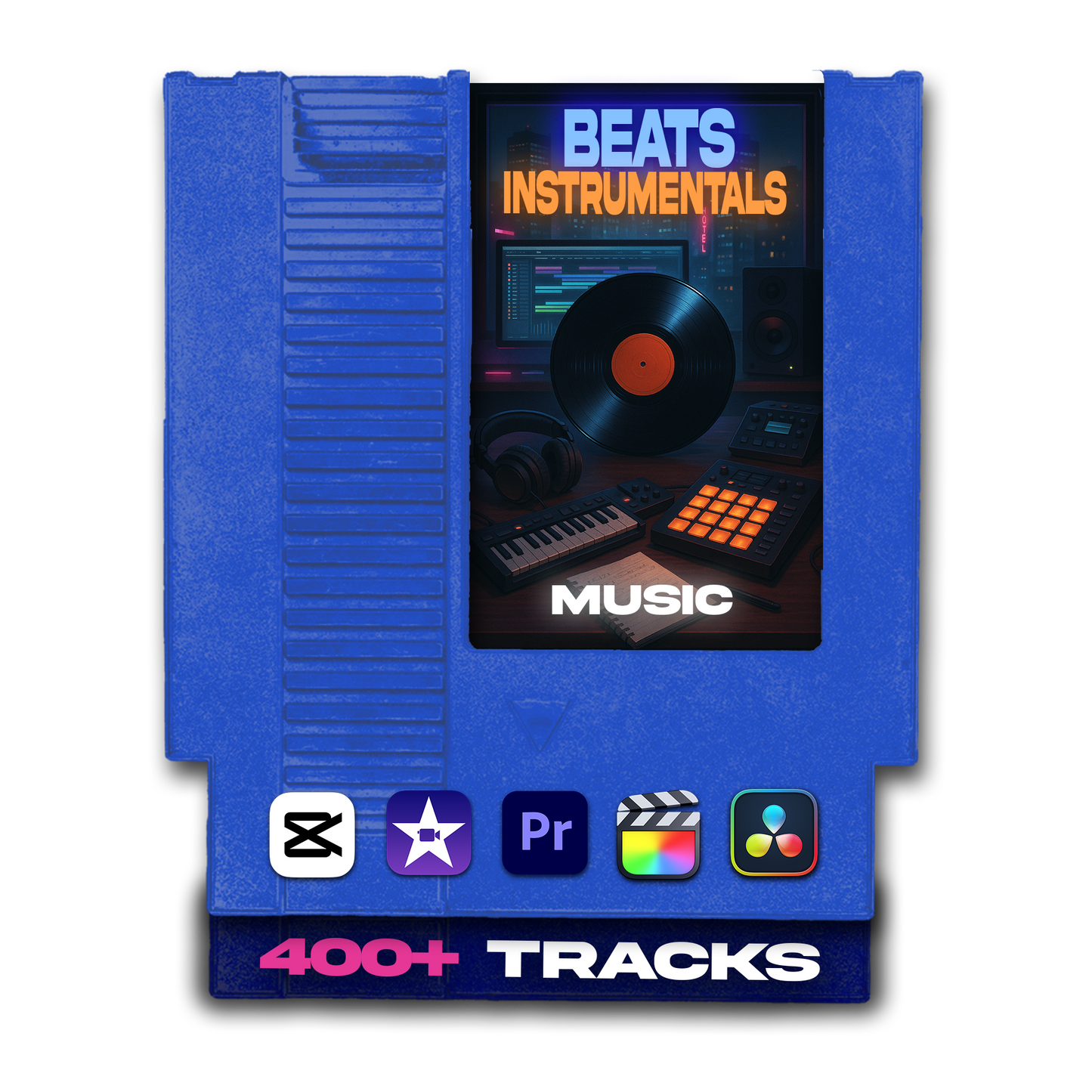


Beats and Instrumentals Background Music Pack (400+ Tracks for Creators)
Beats and Instrumentals Background Music Pack (400+ Tracks for Creators)
Description
The Beats and Instrumentals Music Pack is a collection of 400+ curated tracks built for content creators, video editors, and filmmakers who need music that carries a specific vibe — not just filler background noise that happens to be royalty-free.
This pack goes three layers deep: artist-inspired type beats for moody, melodic, and modern energy; official song instrumentals from iconic tracks for nostalgic and familiar emotional hits; and all-mood instrumentals ranging from lo-fi and laid-back to ambient builds and hard-hitting cuts. Three different musical directions, all organized and ready to use.
Whether you're scoring a slow cinematic zoom, building a product promo, dropping an aesthetic short-form edit, or adding familiar energy to fan content — this pack gives you instant access to the sound that matches the story you're telling, without opening another tab or converting another YouTube link.
What You'll Get
A complete beats and instrumentals library with 400+ tracks organized into three content categories plus Epidemic Sound folders inside each:
🎚️ Type Beats — Artist-Inspired- Beats inspired by the sounds of Polo G, Playboi Carti, Gunna, Lil Baby, Roddy Ricch, PARTYNEXTDOOR, Bryson Tiller, and more — moody, melodic, and built for the modern aesthetic. Perfect for storytelling scenes, slow cinematic zooms, b-roll sequences, and transitions that need a recognizable energy without using an actual song.
- Instrumentals from iconic tracks — Cassie - Me & U, Future - Mask Off, Jay-Z - Holy Grail, Usher - Let Me See, and many others. Familiar rhythms that trigger emotional recognition in viewers instantly, perfect for nostalgic edits, fan content, and moments where you need the audience to feel something specific.
- A wide-ranging collection covering every tone a video might need — from laid-back lo-fi melodies and ambient builds to hard-hitting cuts and smooth melodic flows. Use these to shape your video's emotional register without relying on anything artist-specific or platform-restricted.
Who Is This For?
This pack is for creators who think about the music intentionally — who know the vibe they want and just need the right track to execute it:
- 🎬 Cinematic vloggers and YouTube creators who need moody, melodic energy for slow b-roll, transitions, and storytelling scenes
- 📱 Short-form creators on Reels, TikTok, and Shorts making aesthetic edits, product promos, and vibe-forward content
- 🎨 Aesthetic and fashion editors who need beats that match a specific visual identity — not just any background track
- 🎭 Fan content and tribute video creators who want familiar song instrumentals to connect emotionally with their audience
- 🏀 Sports and highlight reel editors who need modern beats with the right energy and pace
- 🛍️ Product promo and brand content creators who need clean, polished beats that position their content without lyrical distraction
- ✂️ Editors who build their cuts around music — this pack gives you artist-specific vibes to edit to intentionally, not just after the fact
- Cinematic vlogs and YouTube storytelling edits
- Aesthetic short-form content on Reels, Shorts, and TikTok
- Product promos, brand intros, and fashion content
- Fan edits and nostalgia-driven tribute videos
- Sports highlights, slow-motion reels, and athlete content
- Ambient and lo-fi background content for study or productivity videos
- Any edit where the music is the whole point of the vibe
Compatibility
Every track in this pack is a standard .mp3 file — compatible with every major editing platform on desktop and mobile. No conversion, no plugins, no extra steps.
🎬 Works with every major editor- ✅ Adobe Premiere Pro
- ✅ Final Cut Pro
- ✅ DaVinci Resolve
- ✅ After Effects
- ✅ CapCut (Desktop and Mobile)
- ✅ iMovie
- ✅ Sony Vegas
- ✅ LumaFusion
- ✅ VN, InShot, and any mobile editor that supports imported audio
- ✅ Mac
- ✅ Windows
- ✅ iOS and Android — works with any mobile editor that supports .mp3 import
How Does It Work?
Download, decide what kind of vibe you need, open the right folder, drop it in. The three-category structure means you're always one decision away from the right track.
- 📥 Download your pack — after purchase, your download page gives you immediate access to all 400+ tracks across three organized categories.
- 🎯 Decide what energy you need — going for a specific artist sound? Open Type Beats and go straight to the artist. Need familiar nostalgia? Open Official Song Instrumentals. Building a tone from scratch? Open Instrumentals for All Moods and browse by feel.
- 🎵 Pick your track — preview a few options in the subfolder, find the one that locks in with your edit's pace and energy.
- 🎬 Import into your editor — drag the .mp3 directly into Premiere Pro, Final Cut, CapCut, DaVinci Resolve, iMovie, or any editor that supports audio.
- ✂️ Place it on your timeline — sync the beat or instrumental to your cut, b-roll sequence, transition, or scene. Type beats especially are built to edit to — find the drop, the pause, or the melody shift and cut around it.
- 🔊 Mix to taste — adjust volume relative to any dialogue or voiceover, fade in from the top, or use a beat switch as a natural edit point.
- ✅ Export and post — your video now has the sound, vibe, and energy it was missing.