Skip to product information
1 of 1

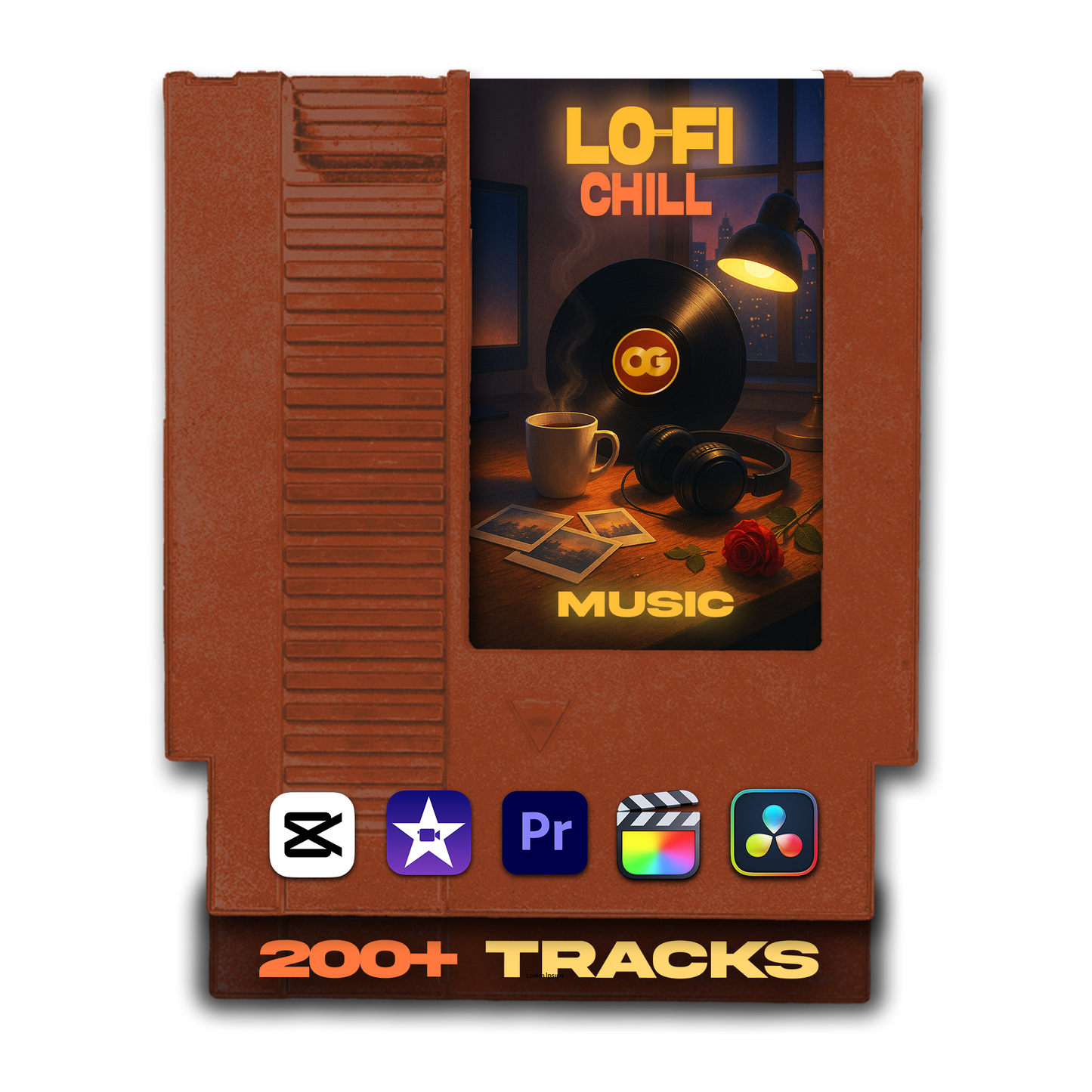
Lo-Fi and Chill Background Music Pack – 200+ Tracks For Creators

Lo-Fi and Chill Background Music Pack – 200+ Tracks For Creators

24.99USD
📝 Description

The Lo-Fi and Chill Background Music Pack is a collection of 200+ royalty-free tracks built for creators who want their content to feel calm, immersive, and effortlessly cool — without spending an hour hunting for the right background music.

These tracks are smooth, minimal, and deliberately undemanding. They sit perfectly underneath visuals, voiceovers, and storytelling without competing for attention — the kind of music that makes a viewer settle in and stay, without them being able to explain exactly why the video feels so comfortable to watch.

Every subfolder is organized around a specific lo-fi mood and content use case, so you're never scrolling through 200 tracks trying to find something that feels right. Open the folder that matches what you're making, and the vibe is already there.

🌊 Smooth, minimal, and effortlessly cool — the background music that makes your content feel exactly as intentional as it looks.
📦 What You'll Get

200+ royalty-free .mp3 tracks sorted into 5 dedicated subfolders — each organized around a specific lo-fi mood and content type, plus a dedicated Epidemic Sound folder inside every category:

📚 Study Vibes
  • Calm, rhythmic lo-fi beats that keep energy just high enough to feel productive without pulling focus. Built for study-with-me content, productivity vlogs, desk setup videos, and any content that benefits from a focused, disciplined atmosphere.
🌙 Night Lo-Fi Loops
  • Dreamy, late-night tracks with a slower, more introspective feel — for night routine videos, late-night room tours, aesthetic bedroom scenes, and any content where the mood should feel like 2am in the best possible way.
🎙️ Chill Talkovers
  • Background beds specifically selected to sit cleanly under a voice — subtle enough not to compete with speech, interesting enough to make the silence between sentences feel intentional. Perfect for casual talking-head content, voiceovers, and low-key storytelling.
🧘 Relaxing Visuals
  • Peaceful, ambient lo-fi for nature footage, self-care vlogs, skincare routines, slow morning content, and any visual where the music should feel like it's breathing with the edit rather than driving it.
📸 Aesthetic Reels
  • Lo-fi loops with just enough rhythm and texture for visual edits, text overlay sequences, vibe-heavy transitions, and short-form aesthetic content where the music is part of the visual identity — not just background filler.
💡 Epidemic Sound subscribers: every subfolder includes a dedicated ES_-tagged folder with pre-sorted Epidemic Sound tracks for that specific lo-fi mood. No scrolling their catalog — the right licensed tracks are already pulled, labeled, and waiting inside each category.
🎯 Who Is This For?

This pack is for creators whose content lives in the calm, aesthetic, and intentional corner of the internet — where the vibe is just as important as the subject matter:

  • 📚 Study-with-me and productivity creators who need consistent, non-distracting background music that makes their content feel like a space others want to work in
  • 🌙 Aesthetic vloggers and room tour creators who want music that matches their visual identity without overpowering it
  • 🎙️ Talking-head and voiceover creators who need a background bed that stays out of the way while still making the video feel alive
  • 🌿 Self-care, wellness, and lifestyle creators making skincare, morning routine, journaling, and slow-living content
  • ✈️ Travel and B-roll editors who want ambient lo-fi under soft, unhurried footage without committing to a full energetic track
  • 📱 Short-form aesthetic creators making mellow Reels, TikToks, and Shorts where the music is part of the visual language
  • 🎮 Lo-fi livestream creators who need loop-friendly background music for intros, waiting screens, or ambient stream setups
Perfect for:
  • Study-with-me and productivity vlogs
  • Minimalist room tours and desk setups
  • Daily routine, skincare, and chill day-in-the-life videos
  • Calm talking-head content and voiceovers
  • Travel recaps with soft ambient beats
  • Lo-fi livestream intros and background loops
  • Mellow Reels, TikToks, and Shorts
  • Nature footage, self-care B-roll, and slow living content
🎧 For creators who understand that the right background music is the one the audience doesn't consciously notice — but would immediately miss if it wasn't there.
💻 Compatibility

Every track in this pack is a standard .mp3 file — compatible with every major editing app on desktop and mobile. No plugins, no conversion, no setup required.

🎬 Works with every major editor
  • Adobe Premiere Pro
  • Final Cut Pro
  • DaVinci Resolve
  • After Effects
  • CapCut (Desktop and Mobile)
  • iMovie
  • Sony Vegas
  • LumaFusion
  • VN, InShot, and any mobile editor that supports imported audio
🖥️ Platform compatibility
  • Mac
  • Windows
  • iOS and Android — works with any mobile editing app that supports .mp3 import
💡 Zero setup: .mp3 files work in every app above instantly. Open the subfolder that matches your content mood, grab a track, and drop it straight onto your timeline.
⚙️ How Does It Work?

Download, find the mood, grab a track, drop it in. Lo-fi works best when the choice feels effortless — so the folders are organized to make that match in seconds.

  1. 📥 Download your pack — after purchase, your download page gives you immediate access to all 200+ tracks across 5 organized subfolders.
  2. 🎯 Match the mood to the folder — studying or productivity content? Open Study Vibes. Late-night or dreamy aesthetic? Open Night Lo-Fi Loops. Talking over your footage? Open Chill Talkovers. Peaceful nature or self-care B-roll? Open Relaxing Visuals. Visual-forward short-form? Open Aesthetic Reels.
  3. 🎵 Pick your track — preview a few options, find the one that fits the breathing rhythm of your edit. Lo-fi tracks tend to loop well, so don't overthink the length — any track can be extended with a simple loop or crossfade.
  4. 🎬 Import into your editor — drag the .mp3 directly into Premiere Pro, Final Cut Pro, CapCut, DaVinci Resolve, iMovie, or any editor that supports audio.
  5. ✂️ Place it on your timeline — lo-fi works best as a continuous layer under your entire video. Start it from the very first frame and let it run — don't cut it up unless you have a specific reason to.
  6. 🔊 Set volume low and leave it — lo-fi sits best between 15–30% volume. Lower than you think. The track should be felt more than heard, especially under voiceover or dialogue. Fade in at the start, fade out at the end, and don't touch it again.
  7. ✅ Export and post — your video now has the ambient texture and calm consistency that makes viewers settle in and stay.
🌀 Just drag, drop, and vibe — the music should disappear into the edit, and these tracks know exactly how to do that.
View full details