


OraLuts — 30 Cinematic LUTs for iPhone Apple Log
OraLuts — 30 Cinematic LUTs for iPhone Apple Log
Description
The OraLuts Pack is a collection of 30 cinematic LUTs built specifically for Apple Log footage shot on iPhone 15 Pro, 16 Pro, and 17 Pro — designed to transform flat, log-encoded footage into rich, film-like color in a single click.
Apple Log gives your iPhone incredible dynamic range, but the footage looks flat and lifeless straight out of the camera. This pack solves that instantly — turning your raw Apple Log clips into polished, cinema-grade color without hours of manual grading or advanced color skills.
Whether you're shooting vlogs, street content, fashion edits, music videos, or cinematic travel footage, this pack gives you a complete color toolkit — from clean base grades and natural Rec.709 conversions to bold split-tone looks and stylized creative grades — all tuned specifically for the way iPhone Pro cameras render Apple Log.
What You'll Get
A complete pack of 30 cinematic LUTs in .cube format, built for Apple Log and Apple Log 2 workflows:
🎬 Foundation & Base Grades- OraGoated — precision Log-to-Rec709 conversion and the cleanest baseline grade in the pack
- OraGroundTone, OraDayFlow, OraEveryday — versatile everyday cinematic looks
- OraCitySlate, OraSlateCity, OraCoolBalance, OraUrbanCool, OraStreetBalance, OraSoftBalance, OraSoftCity
- OraDailyTeel, OraTeelBalance, OraTeelFire, OraElectric, OraGoldenTeal
- OraGoldenHour, OraGoldenFlow, OraDayGrade, OraRoseTone, OraCreamTone
- OraCineDrift, OraCineWash, OraCineTone, OraMutedCity, OraMetroCalm, OraOliveMemory, OraCreamStory, OraUrbanFade, OraTealVolt, OraFeverDream
- OraSilverStreet — punchy and cinematic black & white
- OraFadedFilm — soft, nostalgic, film-inspired black & white
- 🎥 Blackmagic Camera preset file — auto-imports recommended camera settings so you don't have to manually configure anything
- 📲 Tutorial video access from the download page — shows how to download, import, and use the LUTs after purchase
- 🎥 Tutorial video inside the zip file — accessible offline, directly inside the downloaded folder
- 📖 Read me text file — written instructions for what's included, how to import, and how to use each LUT correctly
- 📋 LUT descriptions — details for each LUT so you always know which one to reach for
- 📱 Blackmagic Camera app instructions — written steps for importing LUTs for real-time grading while shooting
- 🖥️ Editing software instructions — written steps for Premiere Pro, DaVinci Resolve, Final Cut Pro, and CapCut
Who Is This For?
These LUTs are made for:
- 📱 iPhone Pro creators shooting on iPhone 15 Pro / Pro Max, iPhone 16 Pro / Pro Max, or iPhone 17 Pro / Pro Max
- 🎥 Creators shooting in Apple Log or Apple Log 2
- 🎞️ Editors who want cinema-grade color without spending hours manually grading
- 📱 Mobile creators who want stronger, more intentional color from their iPhone workflow
- 🖥️ Desktop editors who want a flexible LUT pack for Premiere Pro, DaVinci Resolve, Final Cut Pro, and CapCut
- 🎬 Vloggers and lifestyle creators wanting consistent cinematic everyday footage
- 🛍️ Fashion, thrift, and street-style content creators
- 🚗 POV driving content, urban walkthroughs, and city edits
- 🎵 Music videos and high-impact short-form content
- ✈️ Travel creators capturing landscapes, golden hour, and cityscapes
- 📸 Portrait creators who need flattering, dimensional skin-tone rendering
- 🎨 Editors who want a complete color toolkit instead of one-off looks
Compatibility
Designed for footage shot in Apple Log on these iPhone Pro models:
- ✅ iPhone 15 Pro / iPhone 15 Pro Max
- ✅ iPhone 16 Pro / iPhone 16 Pro Max
- ✅ iPhone 17 Pro / iPhone 17 Pro Max
Works with all major editors and camera apps that support .cube LUT files:
- ✅ Blackmagic Camera app — for real-time LUT preview and baked-in shooting
- ✅ DaVinci Resolve
- ✅ Adobe Premiere Pro
- ✅ Final Cut Pro
- ✅ CapCut (Desktop and Mobile)
- ✅ VN and other mobile editors that support .cube LUTs
- ✅ Any editing app that supports importing .cube LUTs
How Does It Work?
Two ways to use OraLuts — pick the workflow that fits how you shoot:
Option 1 — 🎥 Bake the LUT in while shooting- Open the Blackmagic Camera app on your iPhone 15 Pro, 16 Pro, or 17 Pro.
- Import the included preset file — auto-configures recommended camera settings so you don't have to set anything up manually.
- Load your chosen OraLuts LUT into the Blackmagic Camera app — you'll see the color grade live in the viewfinder before you shoot.
- Hit record — your footage is graded in real time as you shoot. No color grading in post required.
- Shoot in Apple Log on your iPhone Pro. Footage will look flat and washed out — that's correct for log format and exactly what we want.
- Import the LUTs into your editor — drop the .cube files into DaVinci Resolve, Final Cut Pro, Premiere Pro, or CapCut. Full written import instructions are in the read me file.
- Apply with one click — choose the OraLuts look that matches your scene and apply it to your Apple Log footage. Watch flat, lifeless footage become rich cinematic color instantly.
- Adjust if needed — you can still tweak exposure, contrast, and saturation on top of the LUT depending on the scene and lighting.
- Export and post — your footage is ready for Reels, TikTok, YouTube, Stories, or any creative project.
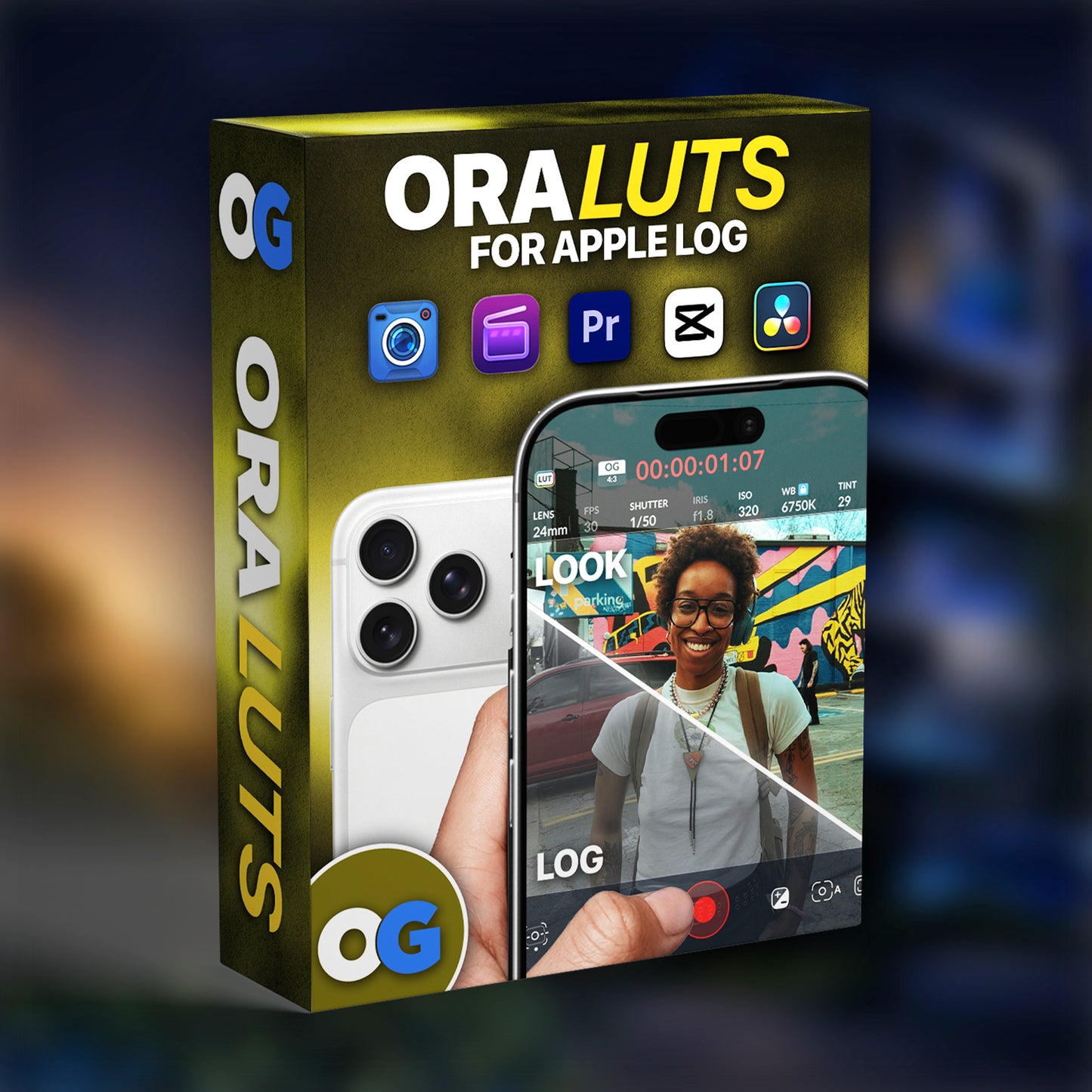
This Is What Your iPhoneCan Do
No studios. Just an iPhone 15 Pro or Newer, Real Scenes, and 30 cinematic LUTs doing the heavy lifting.